 PRIME MOTION
2D strategies
Most parts are made almost entirely of these. They work at a depth you set rather than following a 3D surface, which is what makes them fast, predictable, and the right answer far more often than people expect.
| Strategy | What it does |
|---|---|
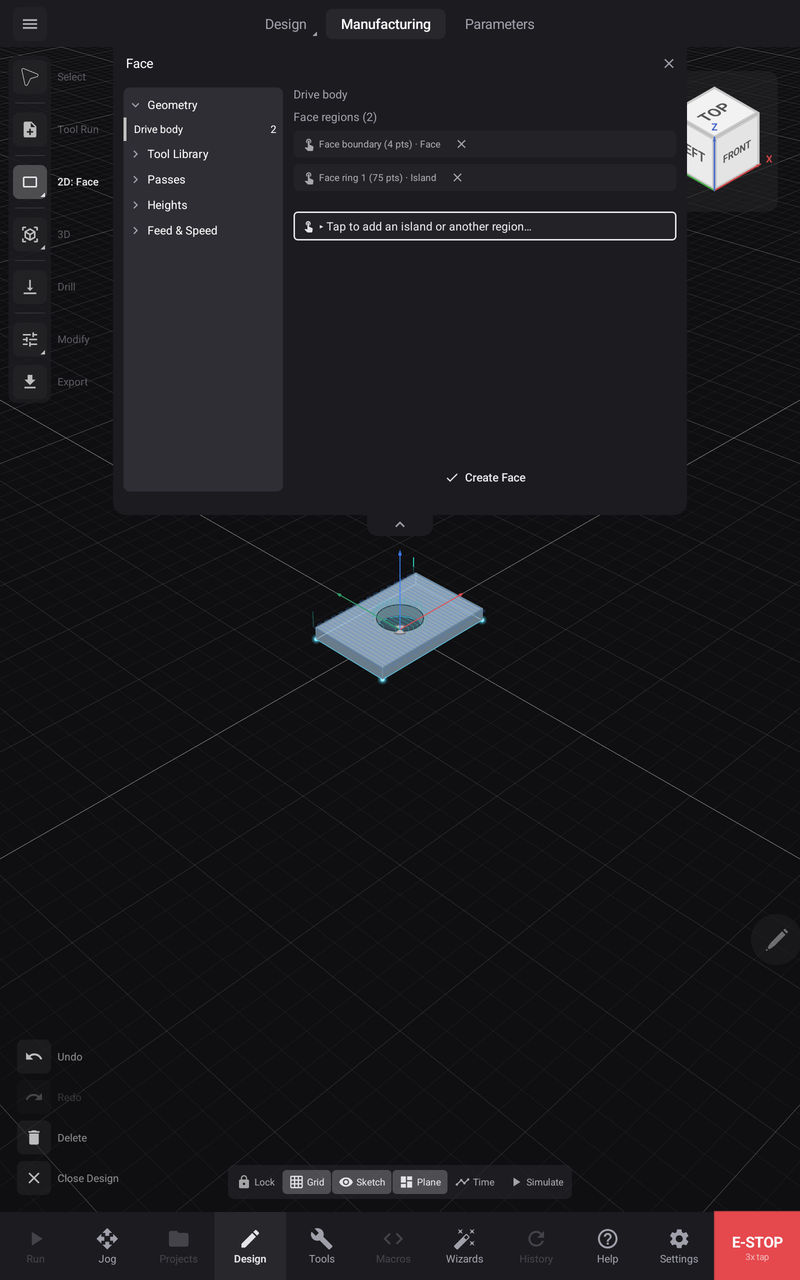
| Face | Skims a flat surface level — a spoilboard, or rough stock before real work starts |
| 2D Contour | Cuts along a profile, on one side of the line, to a depth |
| 2D Pocket | Clears everything inside a boundary |
| 2D Adaptive | Clears a boundary keeping the cutter's load constant instead of its stepover |
| Slot | Machines along a line's centre |
| Trace | Follows a curve with the cutter's centre on it |
| Engrave | Rides a curve at a shallow depth |
| 2D Chamfer | Breaks an edge at an angle |
| Bore | Brings a hole to size by circling it |
| Circular | Circular pocketing |
| V-Carve | Varies depth so a V-bit's width follows the shape — how carved lettering is made |
Picking the geometry
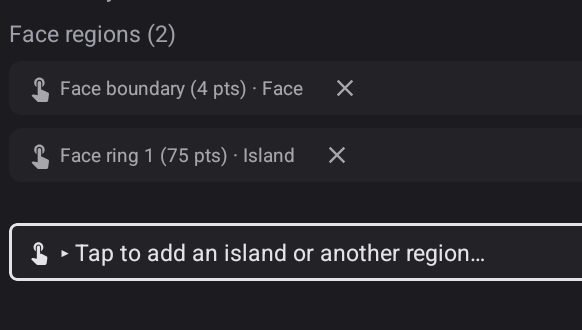
Region operations — Face, Pocket, Adaptive — collect what you tap into a list of regions, and picks accumulate: tap a face, then keep tapping to add islands or further regions, and re-tap one to remove it. A closed loop inside a region is classified as an island automatically and the cutter avoids it — the bore below stayed a bore without being asked.
Choosing between the ones that overlap
Contour or Pocket? A contour follows a line; a pocket empties a region. Cutting a shape out is a contour. Making a recess in is a pocket.
Pocket or Adaptive? Both clear a region. A pocket steps in a fixed amount each pass, so the cutter's load changes as the shape does — corners load it hardest. Adaptive keeps the load steady by varying the path, which lets you cut deeper and faster, and is much kinder to the tool.
Slot, Trace or Engrave? All three follow a line rather than a region. A slot cuts a channel to a depth; trace follows the curve with the cutter's centre; engrave rides it shallow.
Bore or a circular pocket? For a hole that must be a size, boring circles it to that size.
Which side of the line
A contour cuts on one side of the geometry — inside, outside, or on it. Getting this wrong is the classic mistake: a part cut on the wrong side is undersized by the full diameter of the cutter.
Depth
Total depth is how deep the feature goes. Stepdown is how much each pass takes.
Deep in one pass is how tools break. Several lighter passes are almost always faster overall, once you count the pass that ended in a broken cutter.