 PRIME MOTION
The Designs panel
Every design you have made lives here. It slides in from the left of the Design workspace.
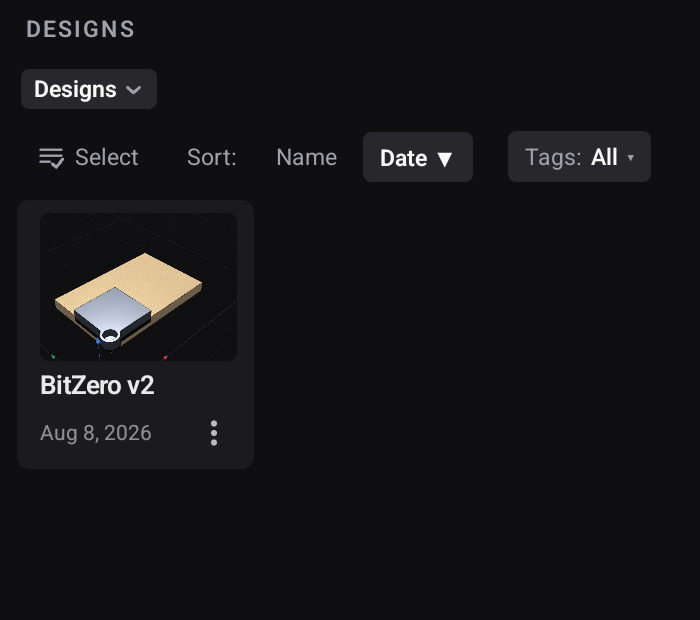
Designs are shown as tiles with a preview of the model, so you recognise what you are looking for rather than reading a list of names.
Finding things
Sort by name, by when it was made, or by when you last opened it. Last-opened is usually the one you want — the design you were working on yesterday is rarely far down that list.
Tags filter the view to designs you have labelled.
Folders group designs the way you actually think about them — by customer, by project, by material. See Folders.
Working with several at once
Select turns on checkboxes so several designs can be handled together — moved into a folder in one go rather than one at a time.
Drag a design onto a folder to move it there. The chip follows your finger and names the destination before you let go, so you can see where it is about to land.
Opening and creating
Tap a tile to open it. New design creates an empty one in the folder you are currently in.