 PRIME MOTION
Loading a program
The Run screen does not open files. Programs live in Projects, and are loaded from there.
That is deliberate: a program you are about to run should be something you filed, not something you found.
Getting a program in
- Projects → create a project, or open one.
- Import → Google Drive, Dropbox, or this device.
- Pick the files. See Files and storage.
Loading one to run
Tap a file to load just that program.
Run Project loads the whole set and streams them in order, stopping for tool changes between groups — see Projects.

What happens on load
Three things, before you press anything:
The toolpath is drawn where the work offset says it goes. If the bed looks empty, the job is not where you think it is.
Every line is scanned against your machine — travel, soft limits, cut depth — and the result appears on the Safety button. See The safety scan.
The stock is drawn: the real block if the program describes one, or a box derived from the toolpath if it does not.
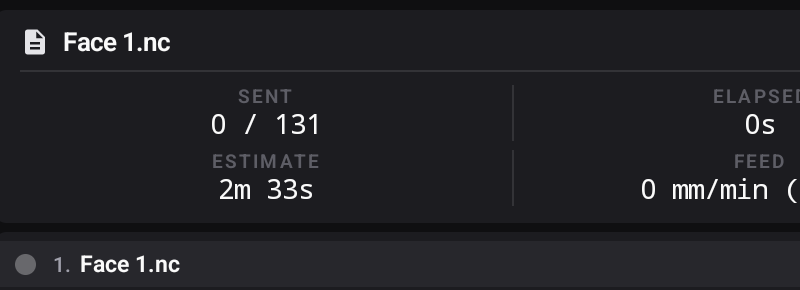
With a program loaded and the machine ready, Start Project goes live:
