 PRIME MOTION
Connecting to your machine
Two things have to be true before the machine will do anything: Prime Motion must know what machine it is, and it must be connected to it.
First, a profile
A profile describes your machine — travel, homing corner, spindle, accessories. Without one the app cannot check anything, so it does not pretend to.
Wizards → Machine Setup creates one. See Machine profiles and the setup wizard.
Then, connect
Plug the machine's controller into your device's USB port. Settings → Connection — the status line reports what you are attached to.
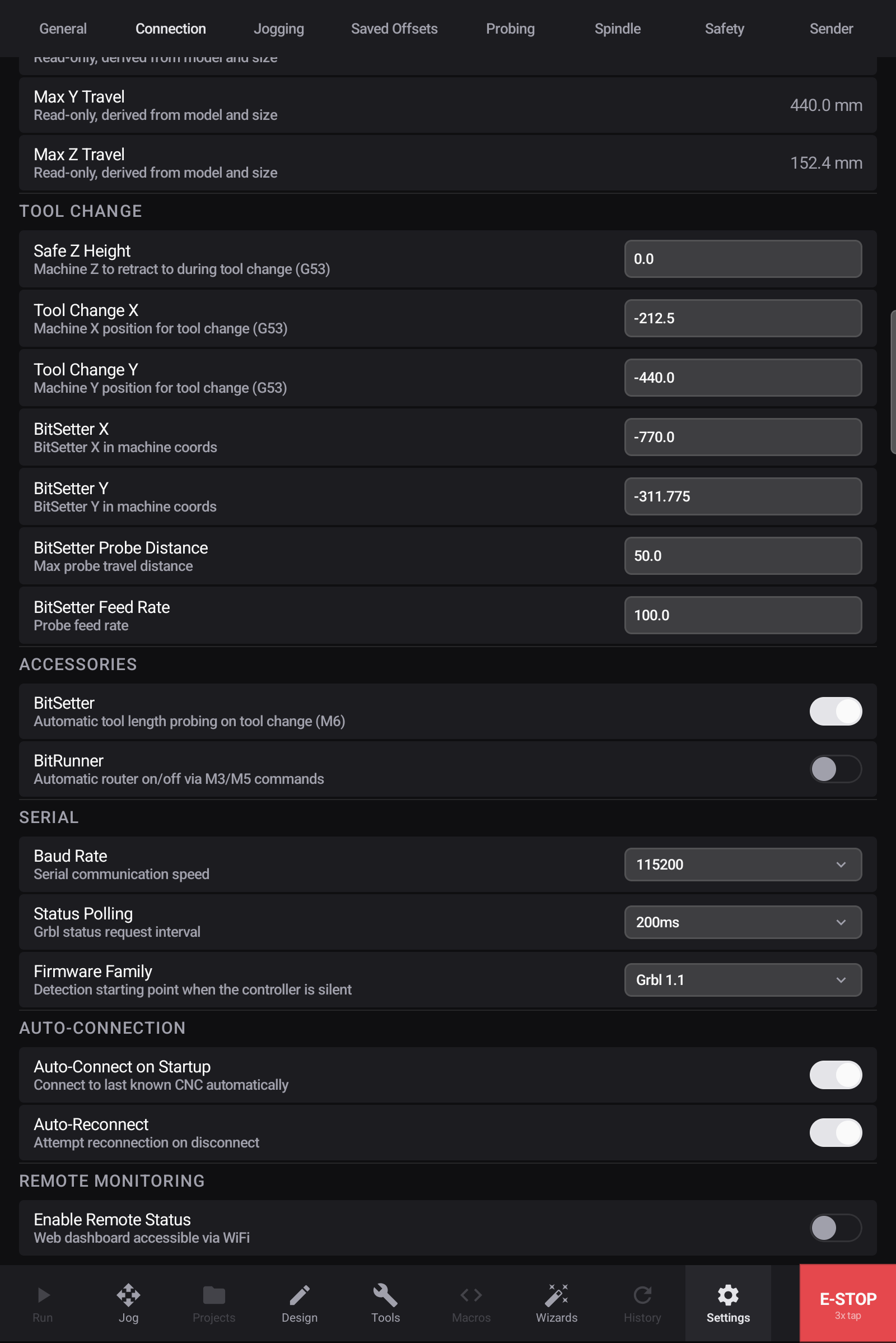
If it does not connect, work through Connecting to a machine — cable, power, baud rate, in that order.
Then, home
Homing is what makes every coordinate mean something. Jog → Home, and the rest of the app comes up.
No machine yet?
You can still do most of the work. The Design tab is never gated — design a part, generate toolpaths, and post a program with no machine connected at all. Connecting and homing are only needed when it is time to cut.