 PRIME MOTION
Connecting to a machine
Everything about the connection lives in Settings → Connection.
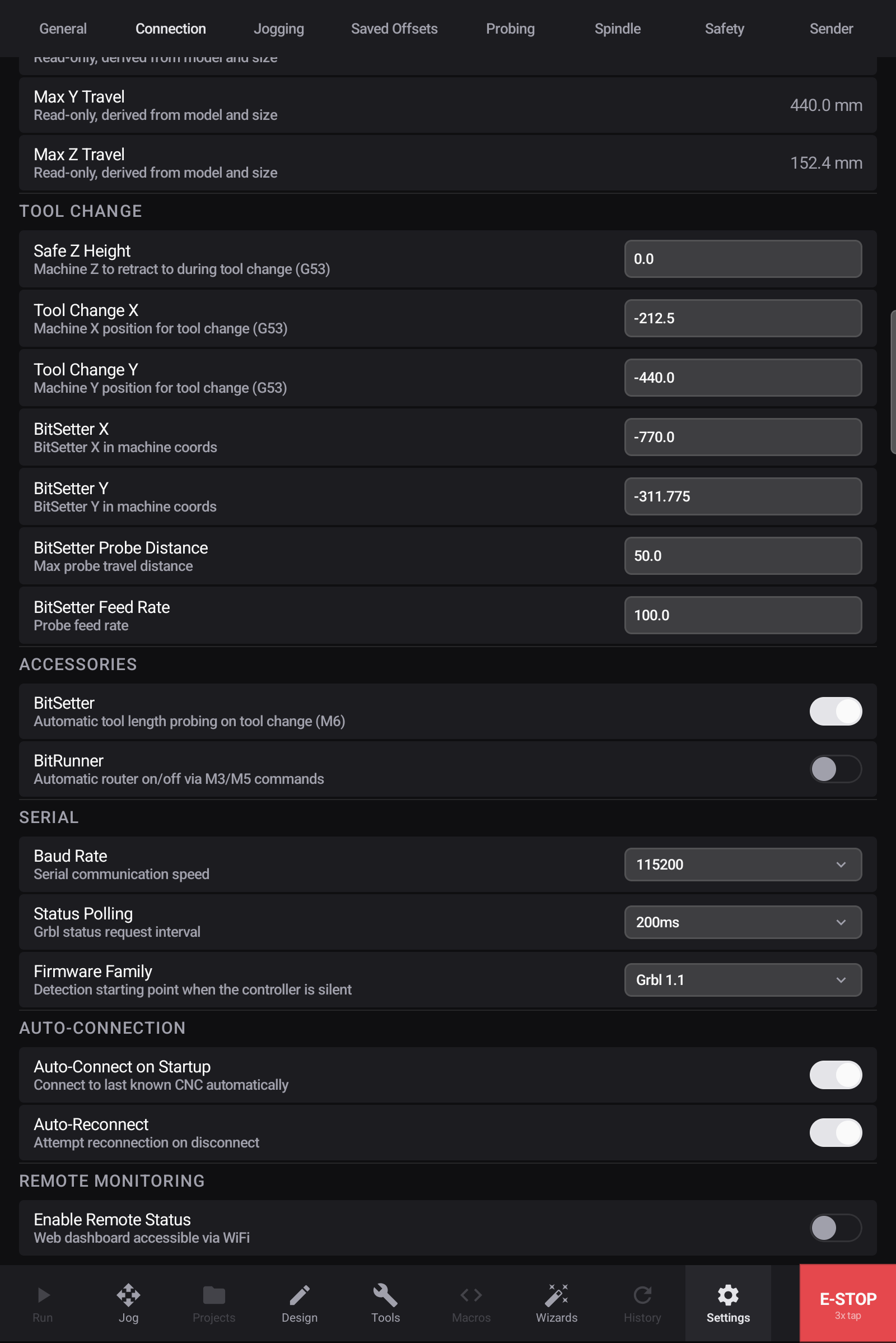
The live connection
Prime Motion connects to your controller over your device's USB port — a USB-C (or USB-A, on a desktop) to USB cable into the controller, the same cable any computer would use. Android tablet, iPad, Mac or Windows PC: the connection is the same serial link.
Live connection tells you what you are actually attached to and whether it is connected. It is worth a glance before wondering why a machine is not moving.
Serial settings
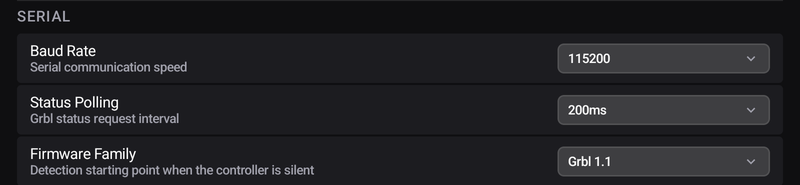
Baud rate — the speed of the connection. Most Grbl machines use 115200, and if your machine came pre-configured you will not need to change this.
Status polling — how often the app asks the machine where it is. More often means a smoother position readout and slightly more chatter on the link.
Firmware family — the starting assumption for controllers that do not announce themselves. Most do.
Connecting automatically

Auto-Connect on Startup reconnects to the last machine when the app opens.
Auto-Reconnect re-establishes a connection that drops — worth leaving on, since a knocked cable mid-session is otherwise a manual reconnection.
When it will not connect
- Check the cable and the machine's power.
- Check the baud rate against what your controller expects.
- If the machine was connected and stopped responding, disconnect and reconnect rather than assuming the machine has faulted.